Danske Bank
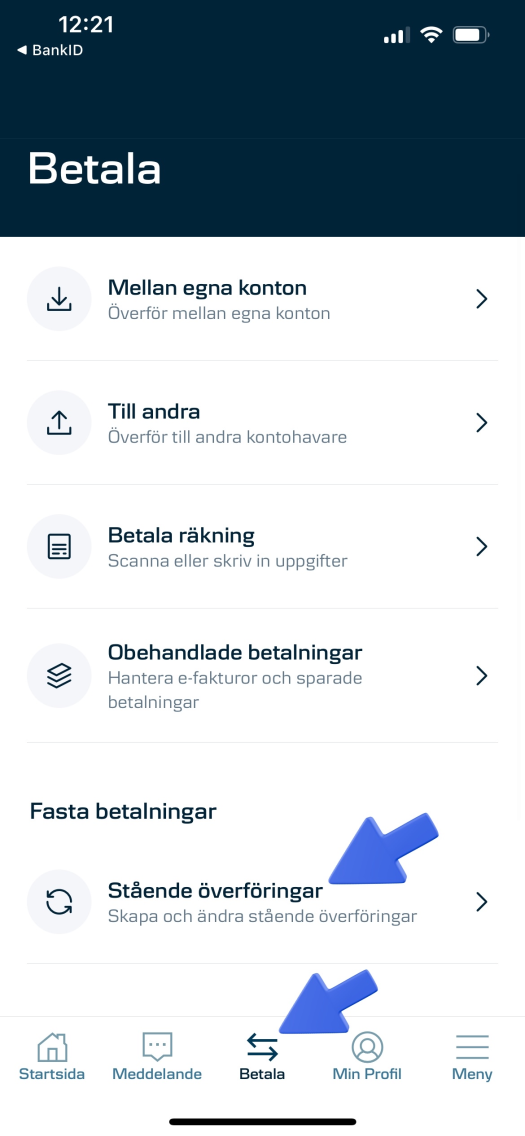
- Open the Danske Bank app or online banking, and go to pay
- If you want to make a one-time donation, create a regular transfer. Otherwise, create a standing transfer by clicking the button under fixed payments
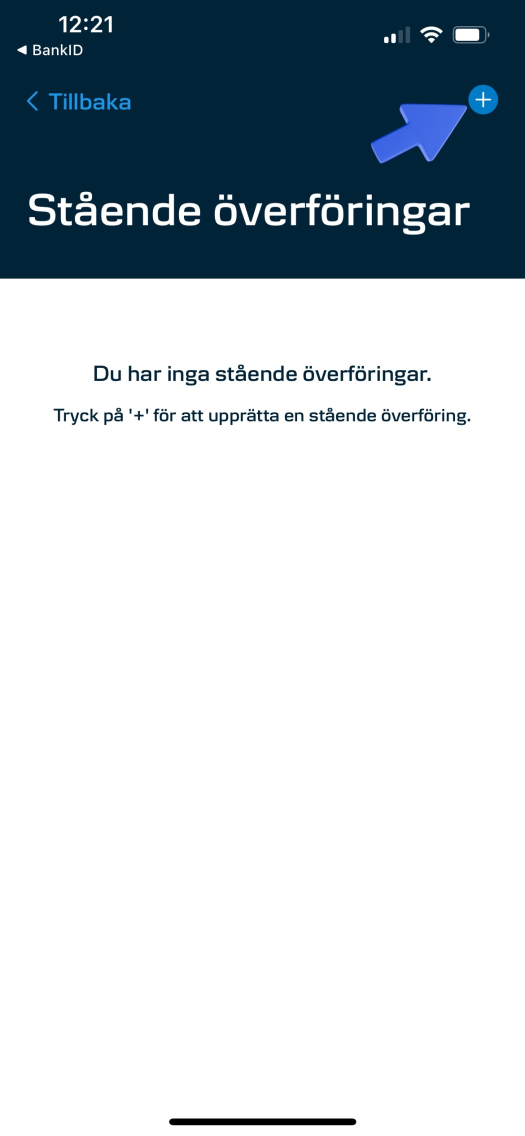
- Press “+” to create a new standing transfer
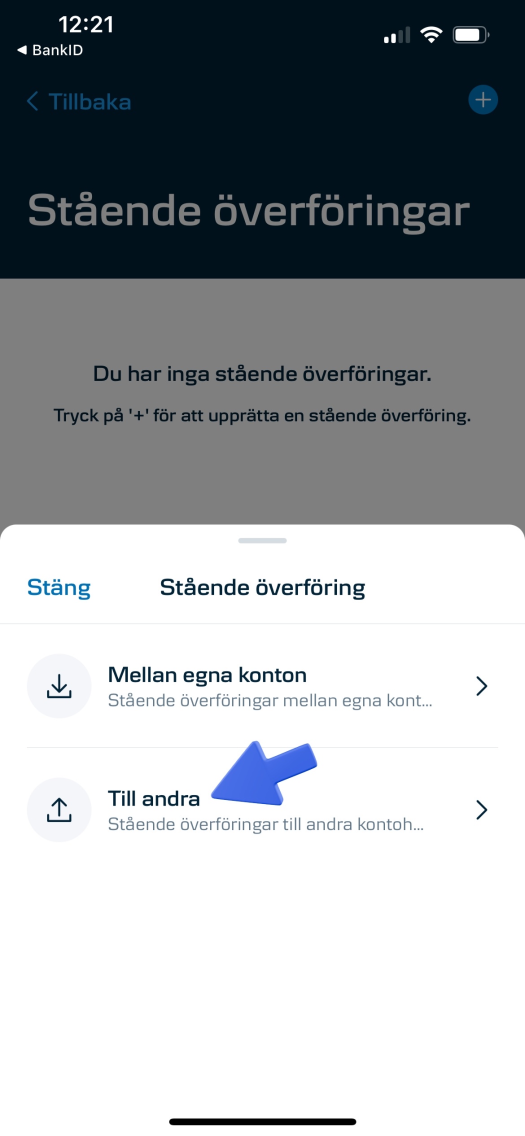
- Select “To others”
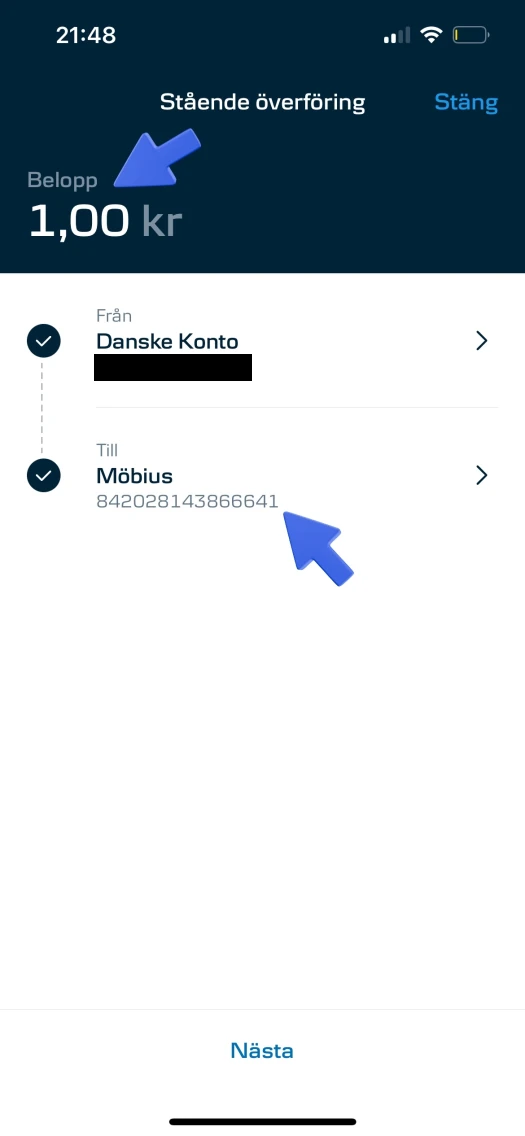
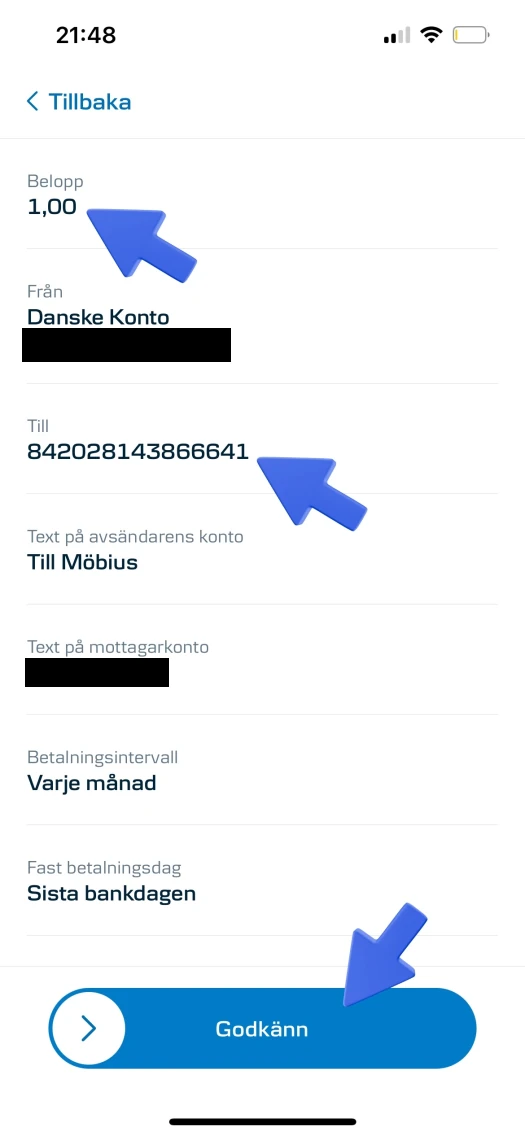
- Enter amount, the name Möbius and account-clearing number 84202 8143866641
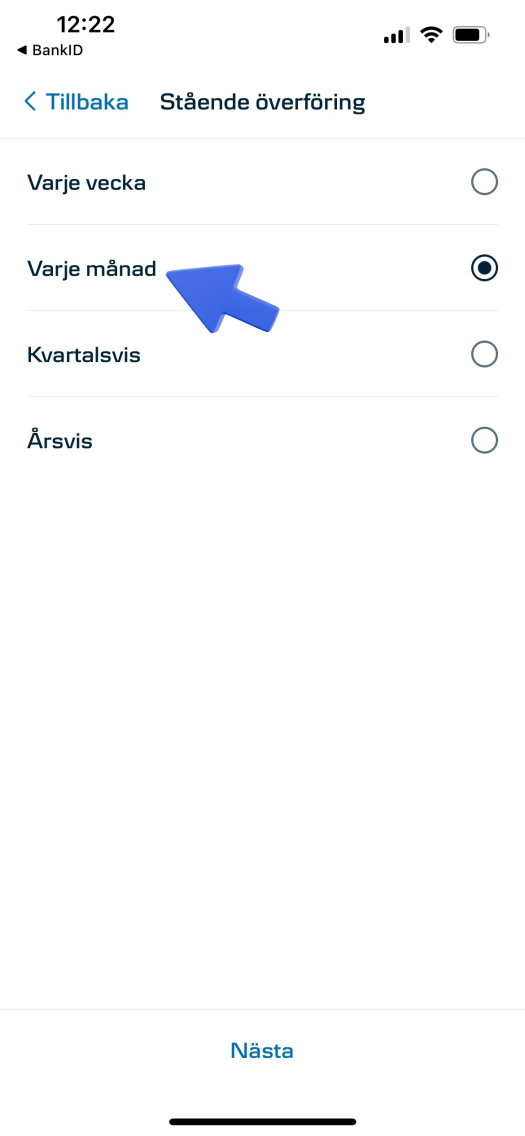
- Press Next, and then select “Every month”
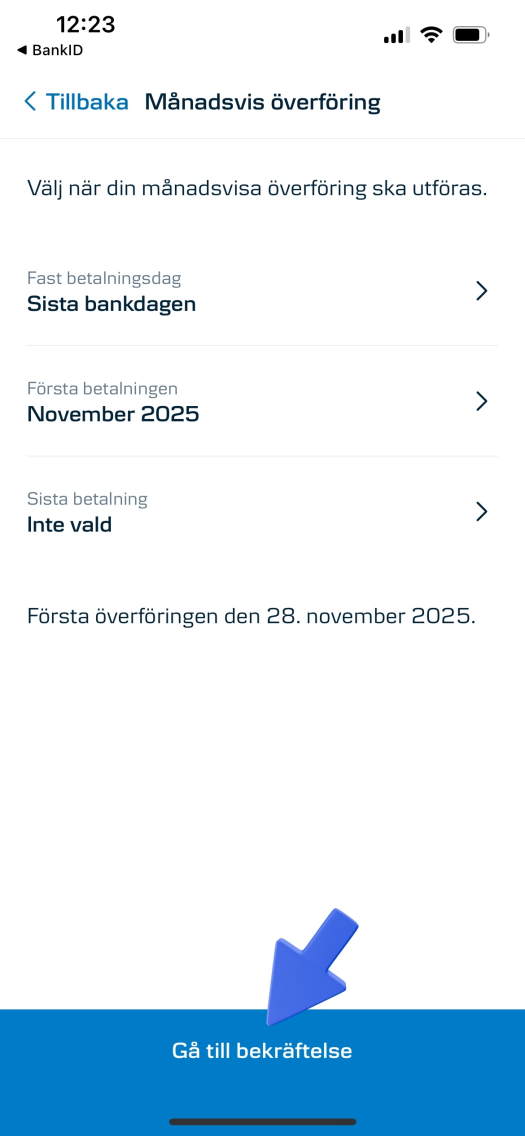
- Press Next, and then go to confirmation
- Check that everything is correct, and then approve the payment. Thank you for your contribution! :))